User Guide — Leadership / Executive
As a Leadership user, you have read-only access to executive dashboards, portfolio analytics, and board packs — giving you full visibility into the internal audit program without editing access.
What You Can See
| Module | Access |
|---|---|
| Executive Dashboard | Full interactive view with filters |
| Portfolio Analytics | Audit program trends and comparisons |
| Board Packs | Published board-ready reports |
| Risk Heatmap | Enterprise risk overview |
| Finding Summary | Open findings by severity |
| Compliance Scorecard | Framework compliance status |
| KRI Status | Key Risk Indicator dashboard |
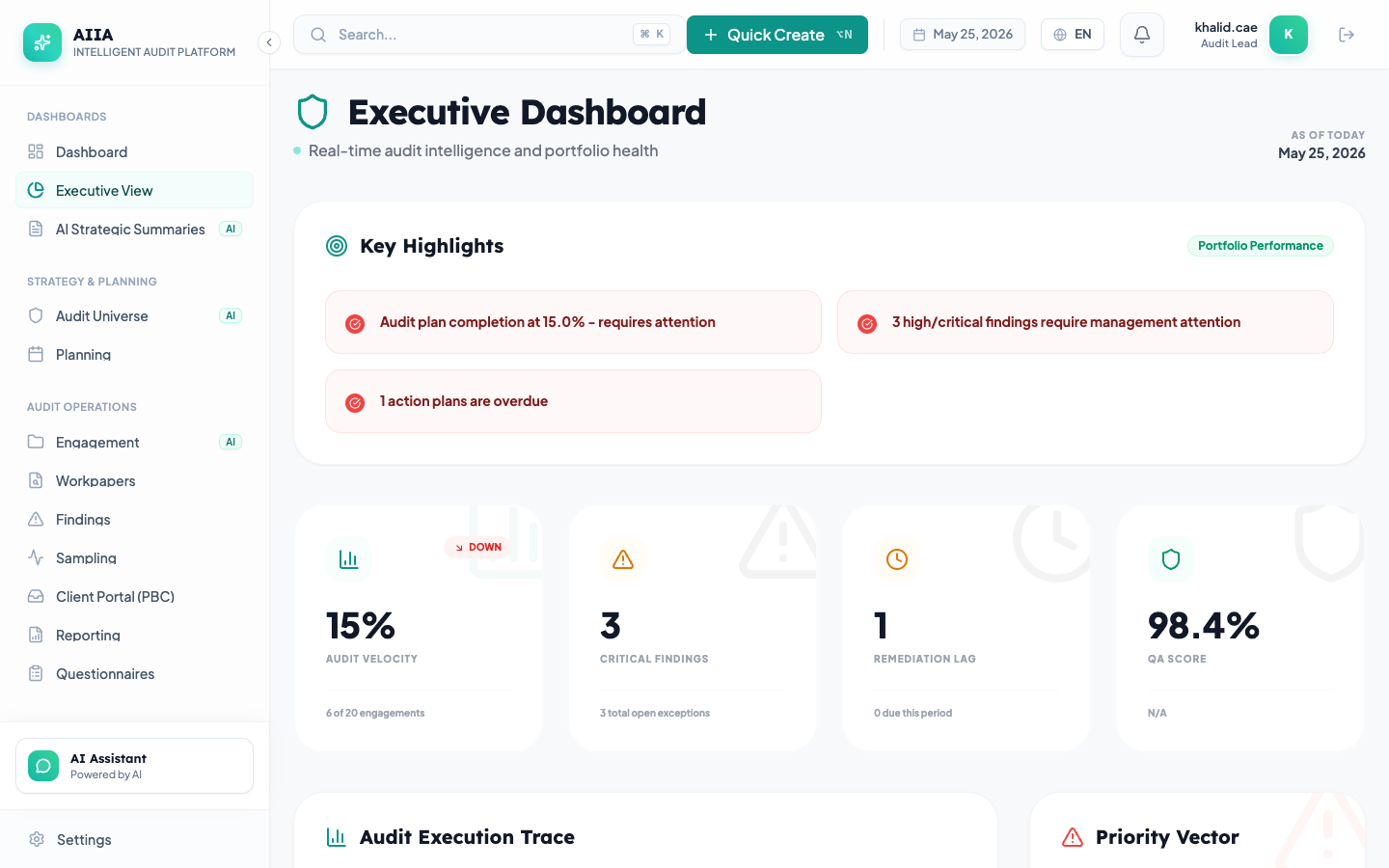
Executive Dashboard
Navigate to Executive to see:
- Audit Plan Progress — annual plan completion with engagement status
- Finding Trends — year-over-year finding distribution by severity
- Risk Exposure — aggregate risk score across the organization
- Resource Utilization — audit team capacity and allocation
- Compliance Status — regulatory compliance scores
Board Packs
Published board packs are available in Reports → Board Packs. Each pack includes:
- Executive summary (AI-generated)
- Engagement status summary
- Finding highlights with management responses
- Compliance scorecard
- Risk trend analysis
- Resource utilization
You can view online or download as branded PDF.
What You Cannot Do
As a read-only user:
- ❌ Create or edit any records
- ❌ Approve or reject anything
- ❌ Access individual workpapers or evidence
- ❌ Modify settings or configuration
- ❌ Apply AI suggestions