Client Portal (PBC)
The Provided by Client (PBC) module enables auditors to request evidence and information from audit clients through a secure, external-facing portal — without giving clients access to the internal audit system.
What Is PBC?
PBC (Provided by Client) is the standard term for evidence and documents that audit clients need to provide. AIIA streamlines this process by:
- Giving clients a dedicated portal to view and respond to requests
- Tracking request status with automatic reminders
- Securing file uploads with virus scanning and hash verification
- Linking evidence directly to workpapers and findings
Key Capabilities
| Capability | Description |
|---|---|
| Client Portal | External portal with separate authentication |
| Request Management | Create, track, and prioritize evidence requests |
| File Upload | Secure uploads with chain-of-custody |
| Auto-Reminders | Configurable reminder emails for overdue items |
| Status Tracking | Real-time visibility into request status |
| Bulk Requests | Create multiple requests from templates |
| Engagement Linking | Requests linked to specific engagements |
| Workpaper Linking | Auto-link received evidence to workpapers |
Request Lifecycle
Two Perspectives
For Auditors (Internal)
Auditors use the PBC module within AIIA to:
- Create requests with specific descriptions and due dates
- Track the status of all outstanding requests
- Review and accept/reject submitted evidence
- Send reminder notifications
- Link received evidence to workpapers
See PBC for Auditors →.
For Clients (External)
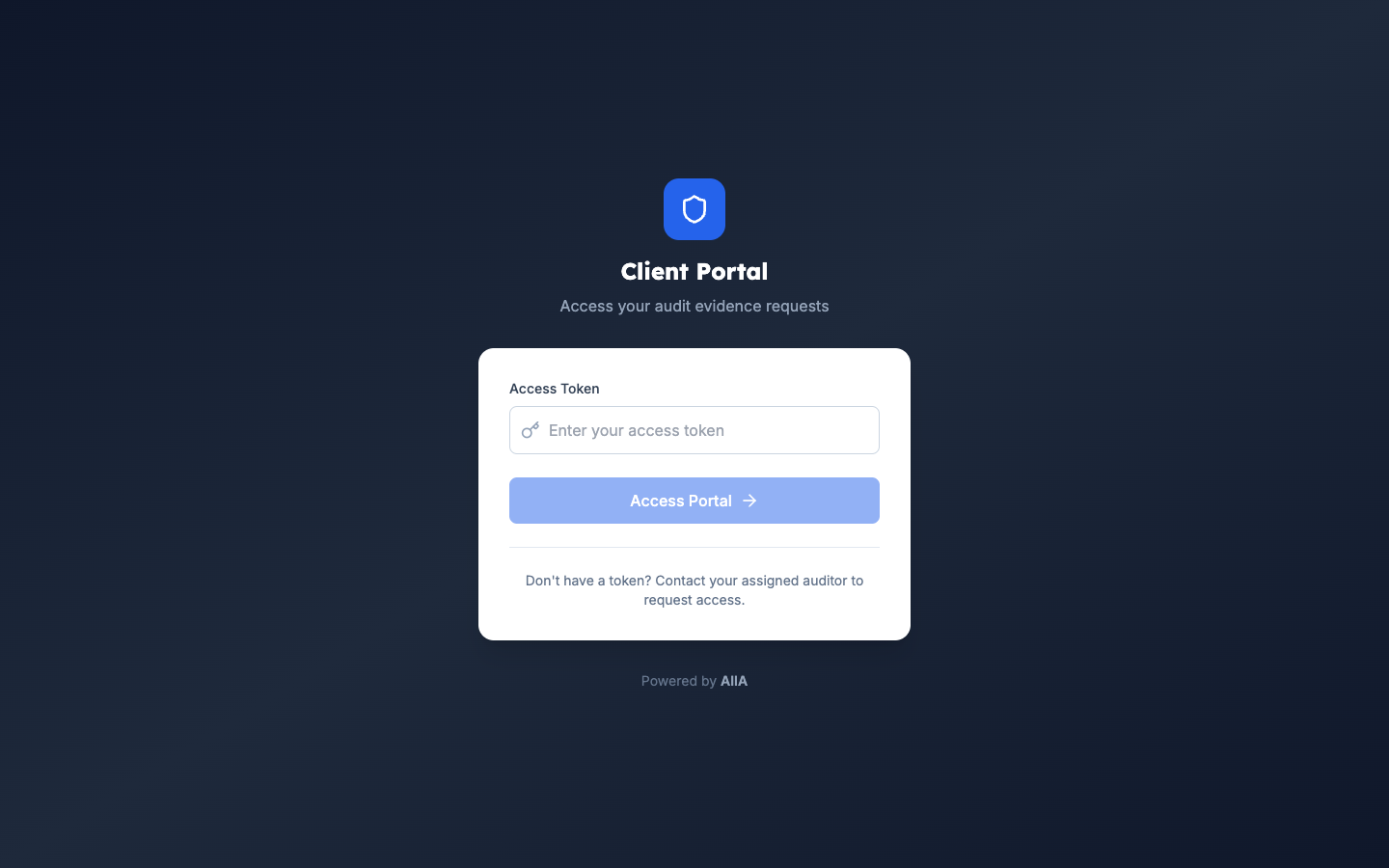
Clients access the Client Portal with separate credentials to:
- View all requests assigned to them
- Upload evidence files
- Add comments and clarifications
- Track their submission status
See PBC for Clients →.
Getting Started
- For Auditors → — Creating and managing requests
- For Clients → — Client portal usage
- Field Reference → — Complete field documentation
Related Documentation
- Fieldwork — evidence links to workpapers
- Engagements — PBC requests scoped to engagements