Annual Planning & Resources
Build risk-based annual audit plans, allocate resources, and monitor capacity utilization — with AI-assisted planning recommendations.
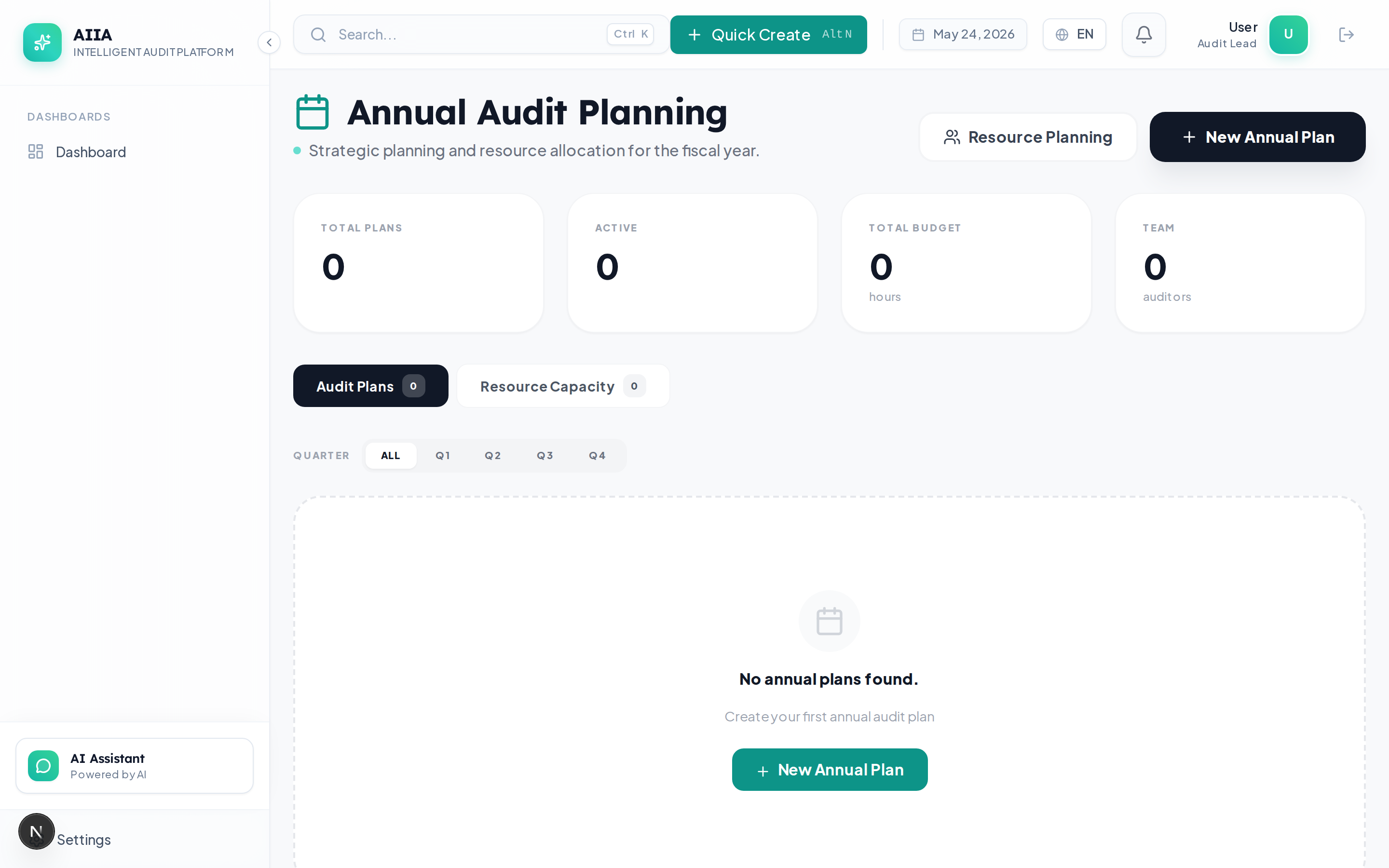
What Is Annual Planning?
The Annual Planning module enables Chief Audit Executives and Audit Managers to:
- Create risk-based annual audit plans driven by Audit Universe risk scores
- Allocate auditor resources across engagements with capacity visibility
- Track plan execution through the year with real-time progress
- Generate AI-assisted planning recommendations based on coverage gaps and historical patterns
Key Capabilities
| Capability | Description |
|---|---|
| Risk-Based Scoring | Automated priority scoring using universe risk data |
| Resource Calendar | Visual calendar showing auditor availability and assignments |
| Capacity Planning | Utilization bars to prevent overcommitment |
| Plan Versioning | Full version history with diff comparison |
| AI Planning Assistant | AI suggests high-priority audit areas based on coverage gaps |
| Multi-Year View | Compare plans across years for trend analysis |
| Approval Workflow | CAE approval required before plan is finalized |
| Progress Tracking | Real-time completion tracking across plan items |
Planning Lifecycle
Plan Structure
An annual plan consists of:
| Component | Description |
|---|---|
| Plan Header | Year, title, owner, status, approval history |
| Plan Items | Individual audit engagements planned for the year |
| Resource Allocation | Auditors assigned to each plan item with estimated hours |
| Timeline | Gantt-style view of planned engagements across quarters |
| Risk Analysis | Risk-based prioritization summary |
| Coverage Analysis | Universe coverage gaps and recommendations |
AI-Assisted Planning
The AI companion helps with planning by:
- "Suggest high-priority audit areas based on last year's findings"
- "Show me business units with no audit coverage in 12 months"
- "Generate a risk-based audit plan draft for FY2027"
- "Identify recurring findings that need follow-up engagements"
AI Governance
All AI planning suggestions require explicit CAE approval before being incorporated into the plan. Every AI interaction is audit-logged.
Getting Started
- Create Annual Plan → — Start building your plan
- Resource Allocation → — Assign auditors and manage capacity
- Risk-Based Scoring → — Understand the prioritization algorithm
- Field Reference → — Complete field documentation
- Permissions → — Who can create and approve plans
Related Documentation
- Audit Universe — provides risk data for planning
- Engagements — created from approved plan items
- Dashboards — portfolio analytics for plan tracking