Create Questionnaires
Questionnaires allow you to collect structured assessment data from audit clients, management, or internal teams. Build questionnaires with multiple question types, conditional logic, and automated scoring.
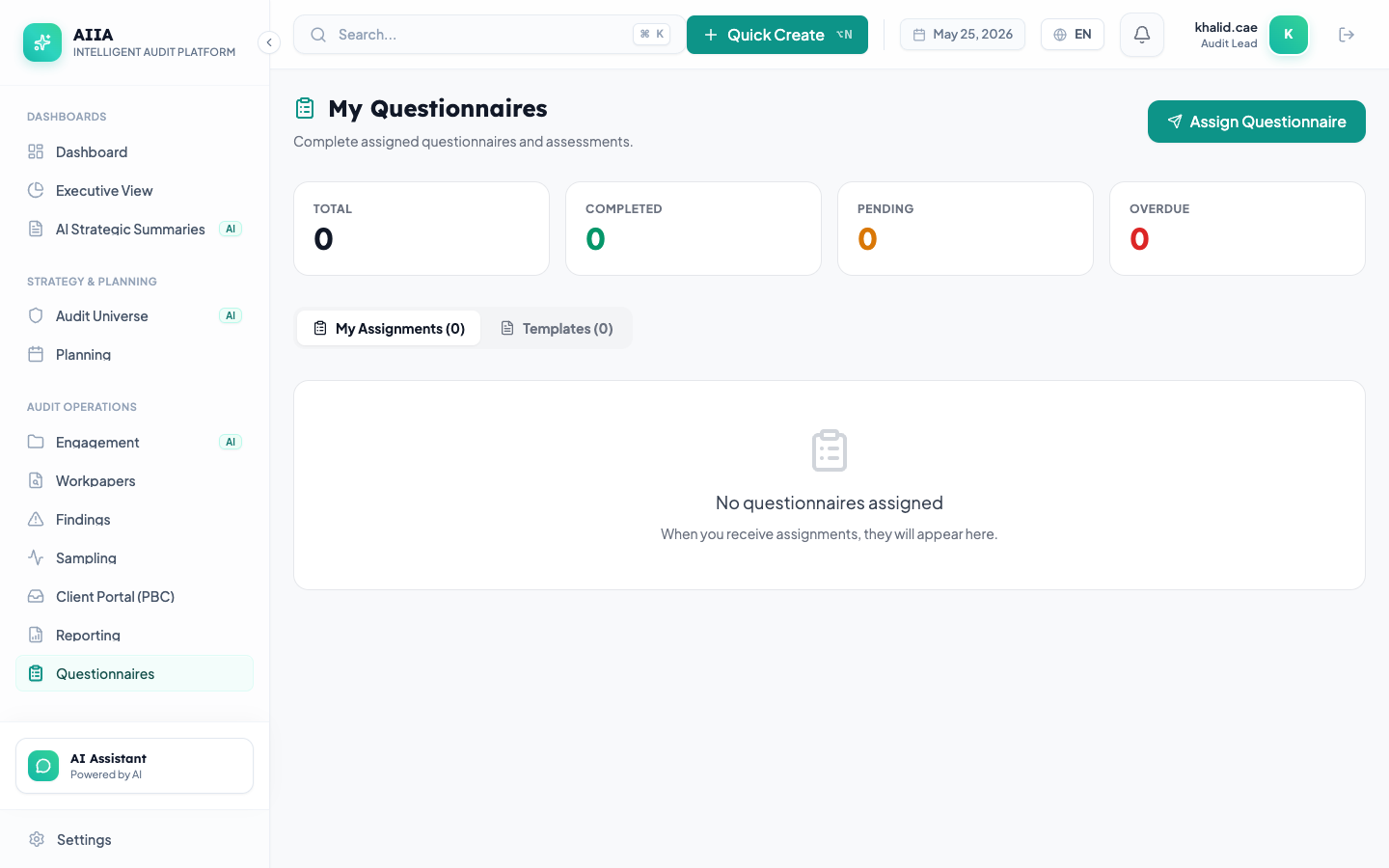
Creating a Questionnaire
- Navigate to Questionnaires → + New Questionnaire
- Enter the questionnaire title and description
- Add sections and questions
Question Types
| Type | Description | Use Case |
|---|---|---|
| Single Choice | Radio button — one answer | Yes/No questions, maturity ratings |
| Multiple Choice | Checkboxes — multiple answers | Select all applicable controls |
| Text | Free-form text input | Explanations, comments |
| Rating Scale | Numeric scale (1-5, 1-10) | Maturity assessments |
| Date | Date picker | Implementation dates |
| File Upload | Attach a document | Evidence submission |
| Matrix | Grid of questions × options | Multi-criteria assessment |
Building the Questionnaire
Add Sections
Group related questions into sections:
- Give each section a title (e.g., "IT Controls", "Financial Controls")
- Sections can be collapsed/expanded by respondents
- Questions within sections are numbered automatically
Add Questions
For each question, configure:
- Question text — what you're asking
- Question type — how the respondent answers
- Required — whether an answer is mandatory
- Help text — guidance for the respondent
- Options — choices for single/multiple choice questions
- Score values — point values for each option (for scoring)
Distribution
Assign Respondents
- Click Distribute
- Add respondents by email or user account
- Set a due date
- Click Send
- Respondents receive an email notification with a link
Tracking Responses
The questionnaire dashboard shows:
- Total respondents vs. completed
- Individual response status
- Completion rate percentage
- Reminder controls for incomplete responses
Permissions
| Action | Auditor | Manager | CAE |
|---|---|---|---|
| Create questionnaires | ✅ | ✅ | ✅ |
| Distribute | ✅ | ✅ | ✅ |
| View responses | ✅ Own | ✅ All | ✅ All |
| Export results | ✅ | ✅ | ✅ |